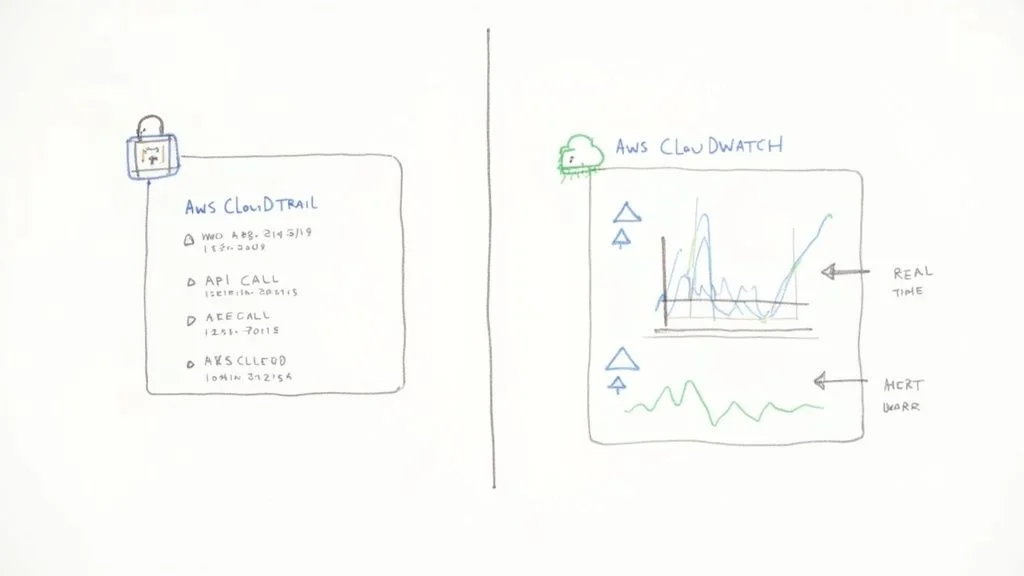
aws cloudtrail vs cloudwatch: Which is best for you
AWS CloudTrail vs. CloudWatch: Essential Tools for Certification Success
When preparing for AWS certifications like the Solutions Architect, Security Specialty, or DevOps Engineer Professional, understanding the nuances between core services is paramount. While both AWS CloudTrail and Amazon CloudWatch are vital for operational excellence, they serve fundamentally different purposes. Grasping this distinction isn't just academic; it's critical for real-world cloud management and for acing your exams.
At its core, CloudTrail is your comprehensive audit log. It's engineered for governance, security, and compliance, meticulously detailing who performed what action, where, and when across your AWS environment. Think of it as the ultimate forensic tool. In contrast, CloudWatch is your real-time monitoring and observability service. Its focus is squarely on operational health and performance, tracking how your resources are performing right now and alerting you to potential issues.
Understanding CloudTrail and CloudWatch at a Glance
Navigating the vast landscape of AWS services can be challenging, but a clear understanding of CloudTrail and CloudWatch is a foundational step for effective cloud governance and operational management. For IT professionals pursuing certifications, this knowledge is frequently tested.
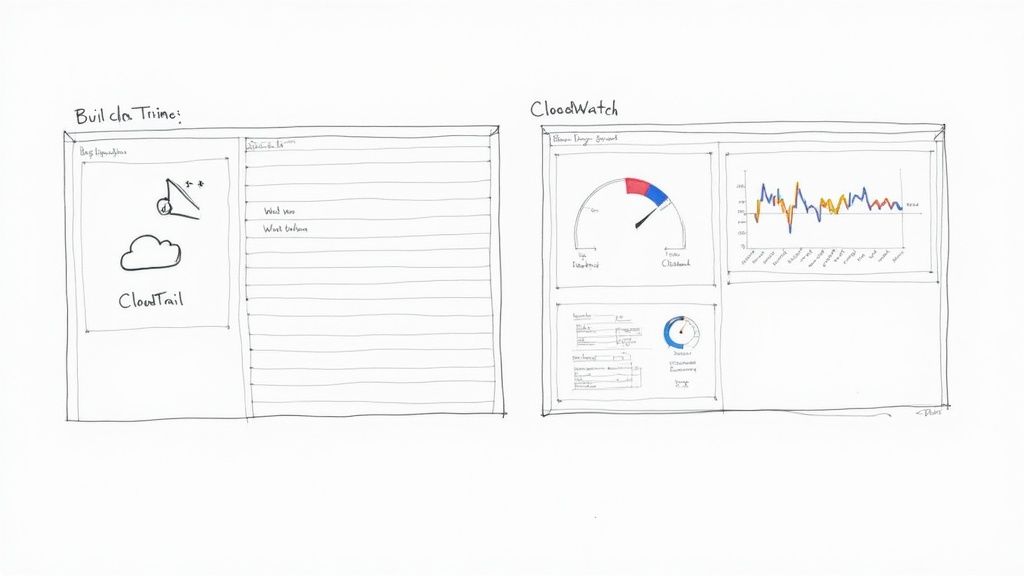
Consider this analogy: CloudTrail is like the detailed security logbook for a highly secure data center. Every individual's entry, exit, and specific action—from accessing a server rack to modifying a configuration—is timestamped and recorded. If a security incident occurs, this logbook provides the indisputable evidence for forensic analysis and accountability.
CloudWatch, in this same data center, functions as the central operations monitoring dashboard. It displays real-time metrics for every system: CPU utilization of servers, network throughput, storage IOPS, and even ambient temperature. It's the live pulse, enabling immediate operational oversight and proactive issue resolution.
The Core Functional Divide
AWS CloudTrail and Amazon CloudWatch, while both falling under the umbrella of "management and governance" services, play distinctly different yet complementary roles within your AWS ecosystem. Recognizing this functional divide is a key skill for any certified AWS professional.
As of 2025, CloudWatch remains the primary AWS-native monitoring tool. It aggregates metrics, logs, and events from a myriad of AWS resources, empowering you to create custom dashboards, configure intelligent alarms, and automate responses to operational changes. To leverage CloudWatch effectively, a solid grasp of fundamental infrastructure monitoring principles is essential. For a practical guide on this topic, refer to a practical guide to infrastructure monitoring, which outlines core concepts that apply broadly to cloud environments.
Quick Comparison CloudTrail vs CloudWatch
For a rapid overview, this table highlights the fundamental differences, aiding in quick recall for certification exams.
| Aspect | AWS CloudTrail | AWS CloudWatch |
|---|---|---|
| Primary Function | Auditing, Governance, Compliance, Security Forensics | Monitoring, Observability, Performance Management, Alerting |
| Key Question Answered | "Who made an API call to delete this S3 bucket, and when?" | "What is the CPU utilization of my EC2 instance right now?" |
| Data Type | API call history, user activity, management/data events | Performance metrics, application logs, system events |
| Primary Use Case | Security analysis, regulatory compliance, incident investigation | Proactive performance monitoring, auto-scaling, automated responses |
Ultimately, the goal isn't to choose one service over the other. For robust cloud operations and security, especially when preparing for certifications like the AWS Certified Solutions Architect or Security Specialty, understanding how to integrate and leverage both services is paramount. Combining them provides a powerful, comprehensive view into both the security posture and the operational performance of your entire AWS environment.
Comparing Core Capabilities for Monitoring and Auditing
To truly grasp the capabilities discussed in the AWS CloudTrail vs CloudWatch comparison, it's essential to move beyond surface-level descriptions and delve into their specific functionalities. While both contribute to overall system visibility, they are designed for distinct—though equally critical—tasks, a distinction frequently emphasized in AWS certification exams.
CloudTrail functions as your AWS account's immutable record keeper. It is fundamentally a tool for governance, risk, and compliance. Its core mission is to create a persistent, tamper-evident log of every action initiated by a user, role, or AWS service within your environment. This isn't about application speed; it's about detailed accountability.
CloudWatch, conversely, is singularly focused on operational health and performance. It's the service that provides real-time insights into your applications and infrastructure. If you need to answer, "What is the current state of my system?" or "Is my application performing within acceptable parameters?", CloudWatch delivers the quantitative data.
CloudTrail: The Governance Powerhouse
CloudTrail excels at providing a detailed, forensic-level audit trail of all user and system activity. It meticulously records virtually every API call, offering a crystal-clear, traceable history of events crucial for security incident response and compliance. For IT professionals aiming for certifications such as the AWS Certified Security - Specialty, understanding the critical role of audit trails in modern security and compliance frameworks is fundamental.
Here’s what CloudTrail brings to the table, and why it's critical for certifications:
- API Call Logging: CloudTrail captures nearly every API request made to your AWS account, regardless of its origin (AWS Management Console, SDK, CLI, or another AWS service). This includes both management events (e.g., creating an EC2 instance, modifying an IAM policy) and optional data events (e.g., S3 object-level API activity like
GetObjectorPutObject). This comprehensive logging is key for passing audit-focused questions. - Event History Tracking: Out of the box, you gain a searchable event history for the past 90 days, accessible directly through the CloudTrail console. This feature is invaluable for quickly investigating recent security incidents, troubleshooting unintended configuration changes, or pinpointing the source of operational issues.
- Log File Integrity Validation: When you configure CloudTrail to deliver logs to an Amazon S3 bucket for long-term storage, it can generate digitally signed digest files. This cryptographically proves that your log files have not been altered or tampered with after they were delivered. This is a non-negotiable requirement for many regulatory compliance standards like PCI DSS, HIPAA, and ISO 27001, making it a frequent topic in security certification exams.
Reflection Prompt: Consider a scenario where a critical production S3 bucket is accidentally deleted. How would CloudTrail's capabilities allow you to quickly identify who performed this action and when, providing crucial evidence for post-incident analysis and accountability?
CloudWatch: The Performance Sentinel
CloudWatch operates on a different plane, focusing intently on metrics, logs, and alarms to ensure your applications and infrastructure function as expected. It's the driving force behind proactive performance management and automated responses. For anyone prepping for certifications, our guide on monitoring and logging with CloudWatch and CloudTrail delves deeper into these interconnected concepts, which are vital for architecting resilient systems.
These are its core functions, critical for operational and DevOps certifications:
- Performance Metrics Collection: CloudWatch automatically collects standard metrics from over 70 AWS services (e.g., EC2 CPU utilization, DynamoDB consumed read/write capacity, Application Load Balancer latency). More importantly, you can publish your own custom metrics to monitor application-specific data points, such as user login failures, shopping cart abandonment rates, or the number of active sessions in a custom application. This customizability is a key exam concept.
- Centralized Log Aggregation: With CloudWatch Logs, you can centralize log data from diverse sources across your environment. This includes operating system logs from EC2 instances (via the CloudWatch Agent), serverless function logs from AWS Lambda, container logs from Amazon ECS/EKS, and network data from VPC Flow Logs. Consolidating logs simplifies troubleshooting, auditing, and real-time analysis, a critical skill for DevOps and SysOps professionals.
- Threshold-Based Alarming: This is arguably CloudWatch's most powerful feature for operational teams. You can configure alarms that trigger actions when a metric crosses a specific threshold you define. These alarms can send notifications (via SNS), create incidents in ticketing systems, or—critically for automated infrastructure—trigger automated actions like scaling an EC2 Auto Scaling group or invoking an AWS Lambda function to remediate an issue. This proactive automation is a cornerstone of modern cloud architecture.
Reflection Prompt: Think about an application running on AWS. What three specific operational metrics would you track with CloudWatch to ensure its optimal performance and availability? How would you set up an alarm to address a critical issue identified by one of these metrics?
Key Architectural and Operational Differences
To truly master the AWS CloudTrail vs CloudWatch dynamic, it's essential to understand their underlying architectural philosophies. These design choices dictate how they function and, consequently, how you should integrate them into your environment for various certification scenarios.
CloudTrail is built as an account-level governance service. You enable it once per region (or globally for management events), and it automatically begins recording management events for all supported services within that account. Its primary objective is to capture every API call, encapsulate these events into tamper-proof JSON log files, and securely deliver them to an Amazon S3 bucket for long-term archival and subsequent analysis. Its design prioritizes integrity and comprehensive coverage across the account.
CloudWatch, on the other hand, is a resource-centric monitoring service. It doesn't inherently look at your entire account by default. Instead, its focus is granular, zeroing in on specific resources you configure it to watch—be it an EC2 instance, a Lambda function, or an RDS database. This fundamental split in scope—account-wide audit vs. resource-specific monitoring—is a critical distinction for architects and engineers.
Data Collection and Delivery Model
The mechanisms each service employs to gather and deliver data perfectly illustrate their architectural differences, a key point for understanding their appropriate use cases in certification questions. CloudTrail is optimized for accuracy and integrity, not necessarily immediate speed.
- CloudTrail: Logs are delivered in batches, typically with a delay of up to 15 minutes from when an API call is made to when the log appears in your S3 bucket. This makes it ideal for retrospective forensic analysis, compliance audits, and troubleshooting after an event has occurred, but not for real-time alerting on transient issues.
- CloudWatch: This service aggregates and delivers metric data in near real-time. Standard metrics are often available within a minute, and high-resolution custom metrics can be published at 1-second intervals. This immediate availability is crucial for triggering immediate alarms or automated actions, such as scaling up infrastructure during sudden traffic spikes.
Key Takeaway: CloudTrail provides the authoritative, historical record of what happened. CloudWatch provides the live telemetry of what is happening right now, enabling instant reaction and automated responses. Understanding this time-sensitive difference is vital for designing effective monitoring strategies.
Setup and Configuration Nuances
Their respective setup processes further underscore their intended purposes. CloudTrail is designed for broad, "set-it-and-forget-it" account-wide coverage, while CloudWatch often requires more granular, resource-by-resource configuration.
Creating a CloudTrail "trail" is straightforward. You define a single configuration that dictates account-wide logging rules, specifying which event types to capture (management events, data events) and where the logs should be stored (an S3 bucket). Once enabled, it passively collects data without requiring ongoing agent management.
CloudWatch often demands more direct intervention and customization. For instance, to gather in-depth operating system-level metrics from an EC2 instance, such as memory utilization, disk space, or custom application logs, you must install and configure the CloudWatch Agent directly on the instance. This agent-based model provides incredibly detailed, customizable monitoring, but it also introduces an additional management layer that CloudTrail’s agentless, account-wide architecture largely bypasses. This operational difference is a significant factor when planning deployment, especially for professional-level certification exams that focus on operational effort.
Reflection Prompt: Imagine you need to monitor the free disk space on an EC2 instance. Explain why you would need to install the CloudWatch Agent, and how this differs from CloudTrail's default logging behavior.
Practical Scenarios: When to Use Each Service
Theory is valuable, but knowing when to deploy the right AWS service is the hallmark of an expert, and a frequent challenge in certification exams. This is where the AWS CloudTrail vs CloudWatch comparison truly matters. Deciding which service to utilize—and under what circumstances—is fundamental to building a secure, efficient, and resilient cloud environment. Each service is the optimal choice for specific, common challenges in cloud operations.
Cloud adoption is rapidly expanding; more than 94% of businesses are now leveraging cloud services, with the public cloud market projected to exceed $1 trillion by 2026. At this scale, precise monitoring and auditing are not optional. For further insights on cloud computing statistics, refer to cloudzero.com.
To simplify, consider a straightforward decision tree: Are you trying to track account activity and changes, or resource performance and availability?
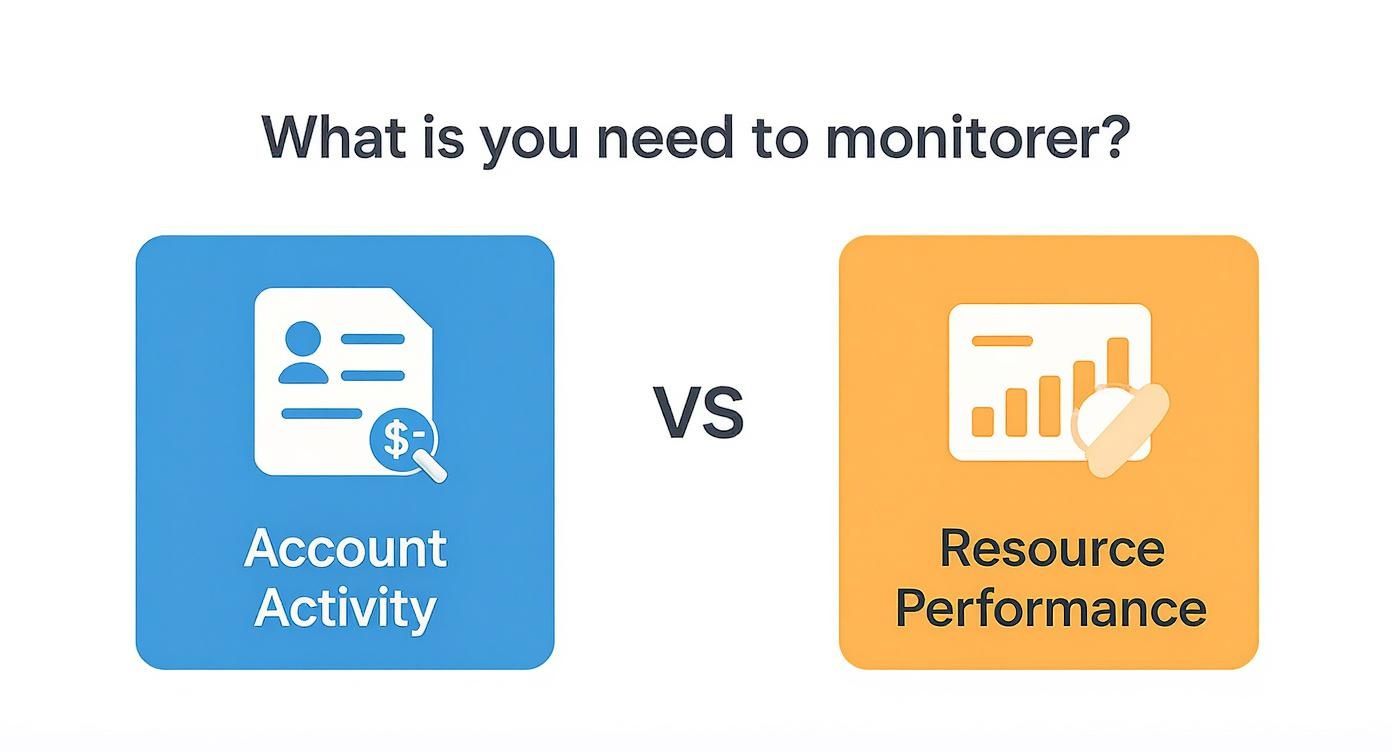
This fundamental distinction serves as your initial guide: CloudTrail is your primary tool for auditing actions and changes, while CloudWatch is your engine for operational health and real-time insights.
When CloudTrail Is Your Go-To Service
Leverage CloudTrail when you require an undeniable, immutable record of events. It is your essential companion for security forensics, regulatory compliance, and incident response.
-
Investigating a Data Breach or Unauthorized Access: Suppose a sensitive Amazon S3 bucket was unexpectedly made public, leading to a potential data leak. Your first step should be to consult CloudTrail. The logs will precisely identify which user or role made the
PutBucketPolicyAPI call, the source IP address of the request, and the exact timestamp. This provides an irrefutable breadcrumb trail, critical for forensic analysis and remediation, a common scenario in AWS Security Specialty exams. -
Preparing for a Compliance Audit (e.g., PCI DSS, HIPAA, SOC 2): When auditors inquire about who accessed what data or made specific configuration changes, CloudTrail provides the necessary, tamper-evident proof. It demonstrates that you have robust controls in place to track and review every administrative action within your AWS account, a mandatory requirement for many compliance frameworks. For a deeper dive, our detailed guide on AWS security and auditing services explores related tools.
When CloudWatch Is the Clear Choice
CloudWatch is indispensable for maintaining application availability, optimizing performance, and ensuring your systems operate efficiently. Think real-time visibility and automated, proactive responses.
-
Proactive Performance Monitoring and Alerting: Your mission-critical e-commerce application relies heavily on an Amazon RDS database. With CloudWatch, you can configure an alarm to trigger if the number of active database connections consistently exceeds 80% of the configured limit. This alarm can immediately notify your on-call engineer (e.g., via SMS or PagerDuty), allowing them to intervene proactively before the database becomes unresponsive and impacts user experience. This is a core concept for the AWS Certified SysOps Administrator and Solutions Architect certifications.
-
Automated Scaling for Traffic Spikes: Your web application runs on Amazon EC2 instances managed by an Auto Scaling group. CloudWatch can monitor the aggregate CPU utilization across this fleet. You can define an Auto Scaling policy that states, "If the average CPU usage remains above 70% for five consecutive minutes, launch two additional instances." This ensures your application can seamlessly handle sudden traffic surges, maintaining a smooth user experience, a cornerstone of high-availability architectures.
Key Takeaway: The true power lies not in selecting one service over the other, but in their synergistic application. A mature cloud strategy creates a feedback loop where security events identified by CloudTrail can inform and trigger operational responses coordinated through CloudWatch.
A Powerful Hybrid Scenario: Automated Security Remediation
This is where the combined power of CloudTrail and CloudWatch (specifically, Amazon EventBridge, which evolved from CloudWatch Events) becomes truly transformative for advanced security and operational automation, often tested in professional-level certification exams.
Consider a scenario: a developer inadvertently modifies a security group, opening port 22 (SSH) to the entire internet—a critical security misconfiguration. This API call is immediately recorded as an event by CloudTrail. You can then configure an Amazon EventBridge rule to specifically watch for this AuthorizeSecurityGroupIngress API call where the destination IP is 0.0.0.0/0.
The moment EventBridge detects this specific CloudTrail event, it can trigger an AWS Lambda function you've pre-written. The Lambda function's job? To automatically revert the security group change, closing the port to the public internet, and simultaneously dispatching a notification to your security operations team. This entire automated remediation process occurs within minutes, significantly faster and more consistently than any manual intervention, providing an excellent example of "security as code."
How to Analyze Cost and Pricing Models
When comparing AWS CloudTrail vs. CloudWatch, a thorough understanding of their respective pricing models is absolutely essential for effective cloud cost management, a skill often assessed in certification exams. Both services are indispensable for a healthy cloud environment, but their different approaches to data collection and analysis are reflected in their billing structures. A lack of awareness here can lead to unexpected charges on your AWS bill.
CloudTrail's pricing model is relatively straightforward. AWS provides one trail per region by default (the "management events" trail) that logs your account activity for the past 90 days in the event history at no cost. You only incur charges when you create additional trails, opt to track high-volume data events (e.g., logging every read/write operation on a heavily used S3 bucket), or send logs to CloudWatch Logs.
Breaking Down CloudTrail Costs
For CloudTrail, your bill primarily depends on two factors: the volume of management events and data events you record, and the storage duration if you send logs to S3.
- Management Events: The first copy of management events (such as
RunInstances,DeleteBucketPolicy) delivered to an S3 bucket via a trail is generally included in the free tier or is low-cost. If you need additional copies of these events or enable specific logging options, there can be a small charge per million events. - Data Events: This is where costs can escalate significantly. You are typically charged per 100,000 data events. If you're monitoring object-level API activity for services like Amazon S3 (e.g., every
GetObject,PutObject) or Amazon DynamoDB (e.g.,GetItem,PutItem), careful planning and filtering are crucial to avoid excessive charges.
Untangling CloudWatch Pricing Complexity
CloudWatch, conversely, presents a more intricate pricing model due to its broader scope and diverse functionalities. Your CloudWatch bill is a composite of what you collect (metrics, logs), how you monitor (alarms), and how you interact with that data (API requests, Logs Insights). This flexibility offers immense power but necessitates vigilant usage monitoring.
Here are the primary components of CloudWatch costs:
- Metrics: Standard metrics published by AWS services are often free (e.g., EC2 basic monitoring). Costs primarily arise from custom metrics you publish (e.g., application-specific KPIs) and from enabling detailed monitoring on resources like EC2 instances, which increases metric frequency.
- Logs: You are billed for the amount of log data you ingest into CloudWatch Logs, how much log data you analyze with Logs Insights, and how long you store it. The good news is the first 5 GB of log data ingested each month is typically free, making it accessible for smaller projects.
- Alarms: Each active alarm incurs a small monthly fee. If you configure high-resolution alarms (checking metrics more frequently than once per minute), they will cost slightly more due to increased processing.
- API Requests: Certain API calls to retrieve metric or log data (e.g.,
GetMetricData,FilterLogEvents) come with a price tag. These can accumulate if you have numerous dashboards or automated scripts constantly querying CloudWatch data.
Cost Optimization Tip for Certifications: A common mistake, particularly for those new to AWS, is enabling detailed data event logging in CloudTrail for all S3 buckets. A much more cost-effective and compliant approach, often highlighted in optimization questions, is to use CloudTrail's advanced event selectors. This allows you to precisely filter and capture only data events for specific S3 buckets or object prefixes that genuinely require that level of auditing, significantly reducing costs without compromising security.
To put this in a practical context for your certification studies: For a typical web application, your CloudTrail costs will likely be minimal, covered by the free tier for management events. Your CloudWatch bill, however, would be driven by custom application metrics (e.g., tracking user sign-ups), the volume of log data ingested from your web servers, and the number of alarms configured for auto-scaling and operational health. The key to managing CloudWatch spend is to be discerning about which logs and metrics truly provide valuable business or operational insight.
Why You Get Better Results Using Them Together
When confronting the AWS CloudTrail vs CloudWatch "debate," it's easy to fall into the trap of trying to determine which service is "superior." However, for any IT professional, especially those aiming for advanced AWS certifications, this perspective is flawed. The real power and optimal strategy lie in understanding how to leverage their combined strengths, recognizing them as complementary rather than competitive.
The most effective AWS strategies acknowledge that these two services represent two sides of the same coin: comprehensive cloud observability. They work in tandem to provide a complete picture of your infrastructure's real-time health and its historical activity.
CloudTrail serves as your immutable audit log—the definitive source for answering critical governance and security questions like who initiated what action, where, and when. CloudWatch, conversely, is your dynamic, real-time operational dashboard, answering performance questions about how your resources are behaving right now. Relying on one without the other creates significant blind spots in both your operational awareness and your security posture. To architect and manage systems that are both resilient and accountable, particularly for certifications like the AWS Certified DevOps Engineer Professional or AWS Certified Advanced Networking - Specialty, integrating both services is non-negotiable.
Achieving Complete Cloud Oversight
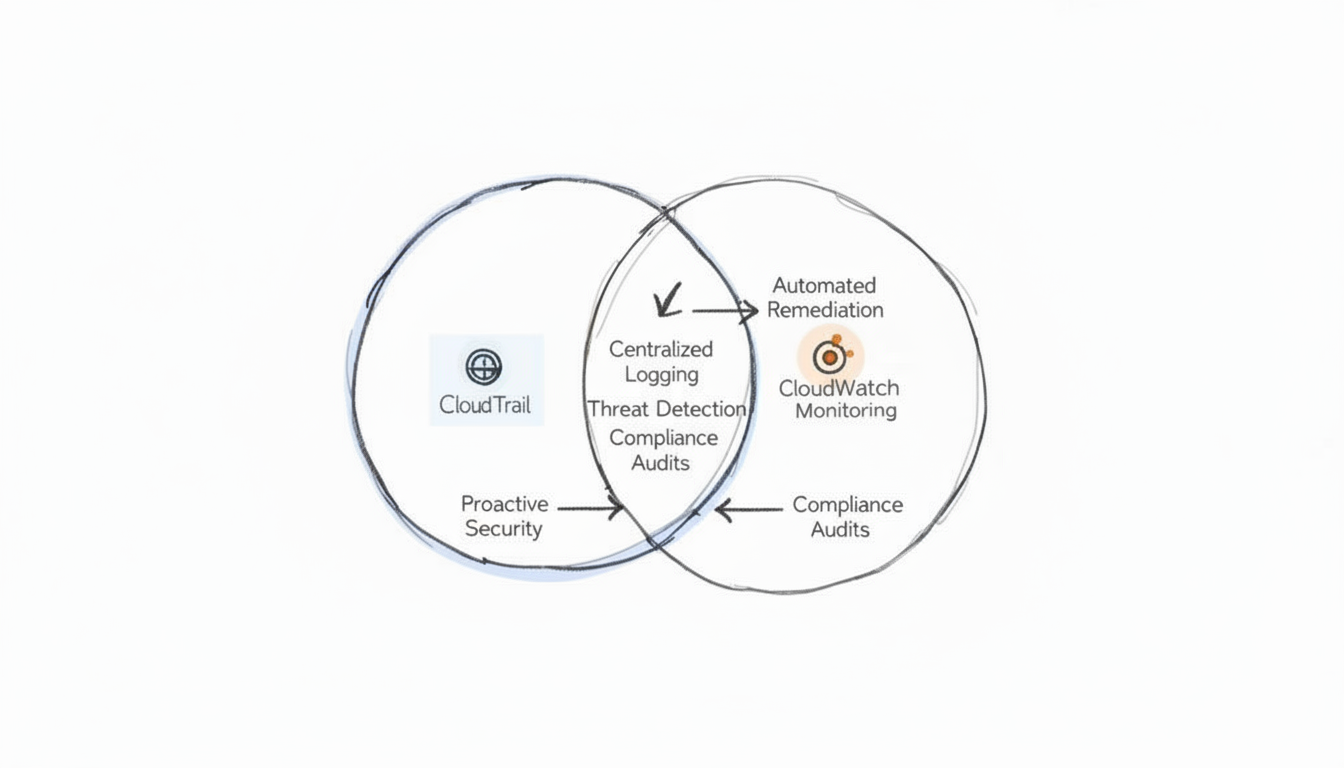
To maximize the value of these tools, it's crucial to understand their integration points. A classic example, frequently encountered in advanced certification questions, involves configuring a CloudWatch alarm that triggers in response to a specific, high-risk API call logged by CloudTrail—such as an attempt to delete a critical production database or S3 bucket. This simple, yet powerful, integration transforms a passive audit log into a proactive defense mechanism.
The most effective AWS environments don't just passively collect data; they actively create feedback loops. CloudTrail identifies a security event or configuration drift, and CloudWatch (often via EventBridge and Lambda) automates the operational response, thereby transforming historical insight into immediate, protective action. This synergy is fundamental to modern cloud security and operations.
For anyone aspiring to a senior engineering, security, or DevOps role, knowing how these services interplay is a non-negotiable skill. Our guide on configuring application logging with CloudTrail and CloudWatch delves into practical steps for integrating them. When used together, CloudTrail and CloudWatch enable true, comprehensive observability: you gain granular performance data from CloudWatch and a robust, forensic audit trail from CloudTrail, which is precisely what modern cloud management, and by extension, modern AWS certification exams, demand.
Frequently Asked Questions
When delving into the intricacies of AWS, engineers and architects often encounter common points of confusion regarding the precise roles of CloudTrail and CloudWatch. Let's clarify some of the most frequent questions to aid your certification preparation.
Can I Use CloudWatch for Auditing Instead of CloudTrail?
No, you cannot effectively use CloudWatch for auditing in place of CloudTrail. CloudWatch's primary function is performance monitoring, log aggregation, and real-time operational insights—it answers "How are my applications and infrastructure performing right now?"
CloudTrail, conversely, is purpose-built as your security and governance workhorse. Its design ensures the creation of an immutable, concrete record of every API call made, definitively telling you "Who did what, where, and when." Attempting to leverage CloudWatch alone for a security audit would be akin to using a car's speedometer to reconstruct an accident; you'd lack the essential forensic detail and the tamper-proof event record that CloudTrail guarantees. This fundamental difference is a key concept in AWS Security and Governance exam domains.
Do I Need Both for a Small Project?
Yes, absolutely. Even for a minimal project, treating CloudTrail and CloudWatch as an essential pair is a best practice and a smart move for foundational security and operational visibility.
CloudTrail provides a free tier that covers management events (e.g., creating resources, modifying configurations). Having this baseline audit trail costs you nothing and is fundamental for good security hygiene, providing accountability from day one. Similarly, the CloudWatch free tier offers essential metrics, such as basic EC2 CPU utilization, and a certain amount of log storage. These are crucial for simply knowing if your system is functioning correctly and if basic resources are healthy. Skipping either means you're operating with significant blind spots in either security accountability or operational performance, a risk that should be avoided regardless of project size.
What Is the Best Way to Analyze CloudTrail Logs?
Manually sifting through raw JSON log files stored in an S3 bucket is an incredibly tedious, inefficient, and error-prone method for analysis, especially when dealing with large volumes of data. For any meaningful and practical analysis of your CloudTrail logs, the industry-standard and most efficient method is to query them using Amazon Athena.
Pro Tip for Certifications: Think of Amazon Athena as a serverless interactive query service that allows you to directly run standard SQL queries against data stored in your Amazon S3 buckets, including your CloudTrail logs. This setup effectively transforms a massive, unstructured pile of raw log data into a structured, queryable database. This enables you to quickly hunt down specific events, identify unusual activity patterns, investigate security incidents, or generate compliance reports without needing to spin up any servers or manage complex data warehouses. It's a highly efficient and cost-effective approach for log analysis, often featured in questions about auditing and troubleshooting.
Ready to master AWS services and accelerate your career with industry-recognized credentials? MindMesh Academy offers expert-led study materials, practical labs, and evidence-based learning techniques designed to help IT professionals like you pass your certification exams with confidence. Unlock your full potential and start your certification journey today at https://mindmeshacademy.com.

Written by
Alvin Varughese
Founder, MindMesh Academy
Alvin Varughese is the founder of MindMesh Academy and holds 15 professional certifications including AWS Solutions Architect Professional, Azure DevOps Engineer Expert, and ITIL 4. He's held senior engineering and architecture roles at Humana (Fortune 50) and GE Appliances. He built MindMesh Academy to share the study methods and first-principles approach that helped him pass each exam.